Internal · owner + developer

How this website works

A plain-language walkthrough of every page, every feature and the admin panel. Nothing here needs technical knowledge — if you can use WhatsApp, you can run this site. This page is hidden from search engines and is not linked in the main menu.

Admin login

Your credentials

Email

owner@theglamour.studio

Password

Glamour#Pune2026!admin

  • 1. Go to /auth (or the small “Admin” link at the very bottom of any page) and sign in with the details above.
  • 2. This account already has the admin role, so every tab is unlocked.
  • 3. Change the password after your first login, and add a second admin from Settings → Team so you are never locked out.
  • 4. Never share these credentials over social media — anyone with them can see every registrant's personal details.
Part 1

Every page, explained

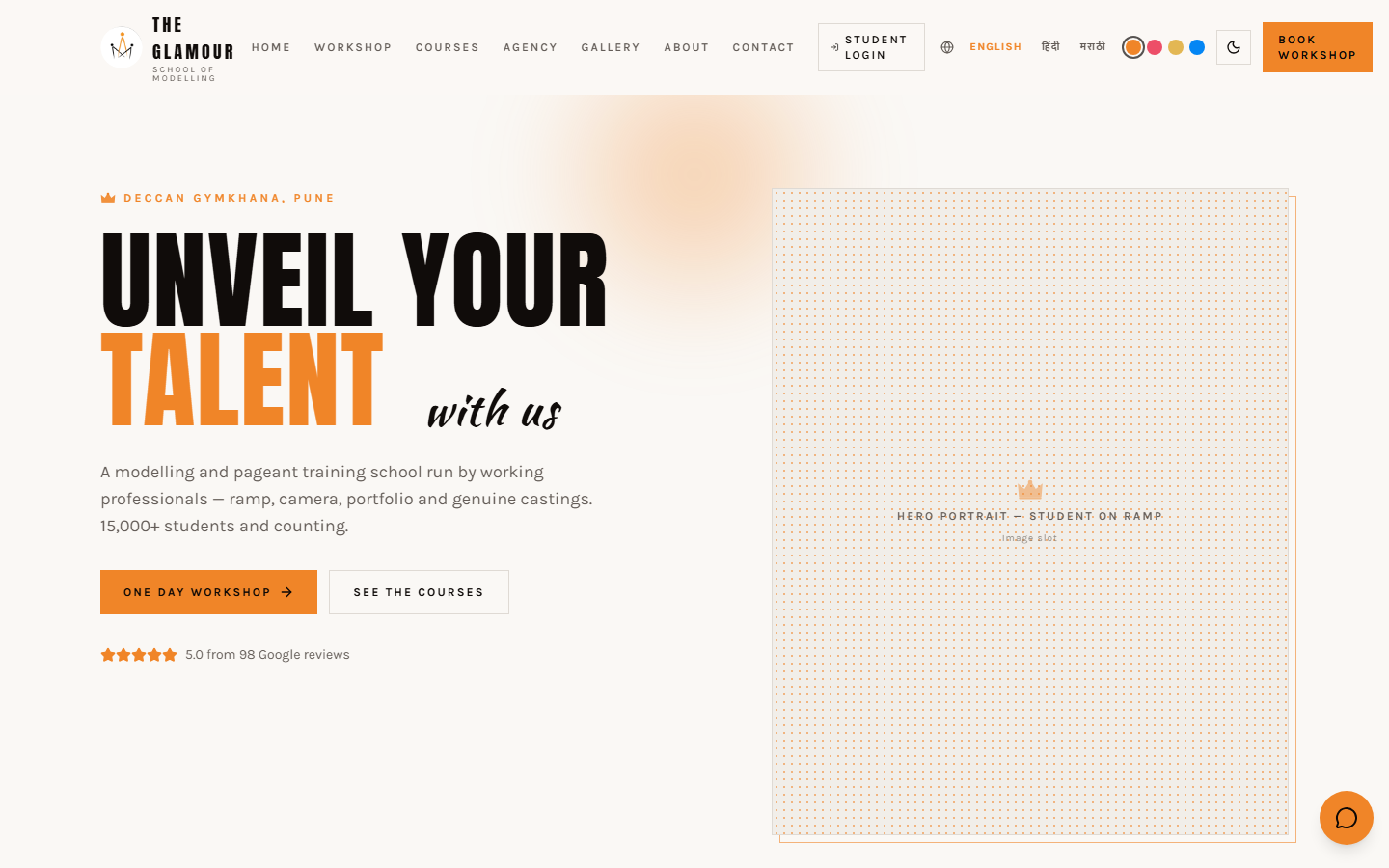
Screenshot of the Home page
/

Home

  • The first impression: hero headline, the 5.0 Google rating badge and a direct button to the workshop.
  • Shows the five things the brand does — training, casting, coordination, portfolios and choreography.
  • Introduces Chaitali as the founder, then pushes the visitor to either the workshop or an enquiry.
  • Everything animates in as the visitor scrolls, so the page feels alive instead of static.
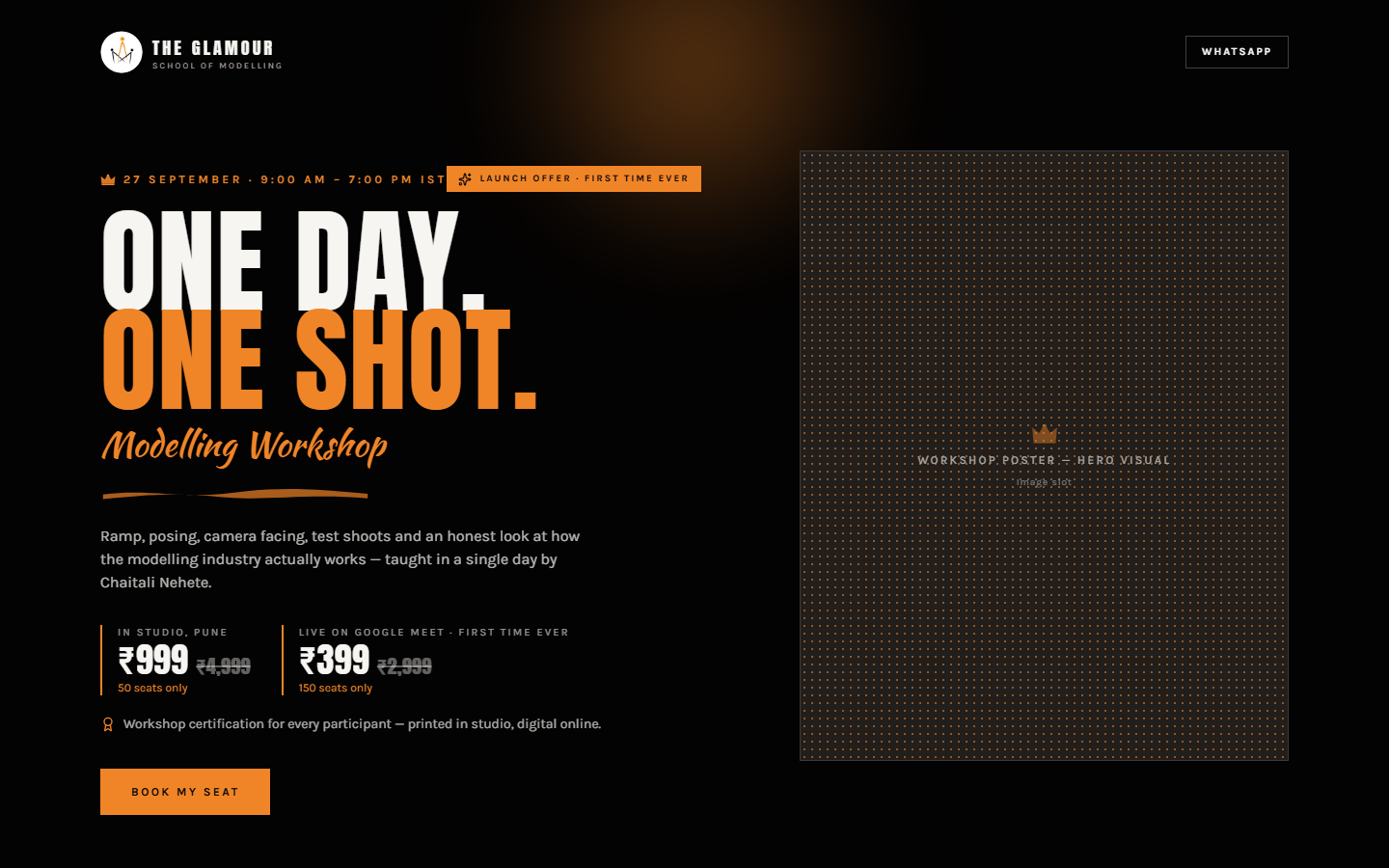
Screenshot of the One Day Workshop (the money page) page
/workshop

One Day Workshop (the money page)

  • A complete landing page for one thing only: filling the workshop.
  • Shows the real value (₹4,999) struck through against the launch price — ₹999 in studio, ₹399 online.
  • The visitor picks In-studio (Pune) or Live on Google Meet; price, venue and perks swap instantly.
  • Live seat meters read straight from the database and refresh every 20 seconds — '82% booked' is always the true number.
  • Exposure section: what the batch gets afterwards — content on the official Instagram, casting list, placement calls, certification.
  • Registration form at the bottom collects name, phone, email, date of birth, then the UPI payment reference (UTR).
  • A sticky price + 'Book seat' bar follows the visitor on mobile so the CTA is never off screen.
Screenshot of the Courses page
/courses

Courses

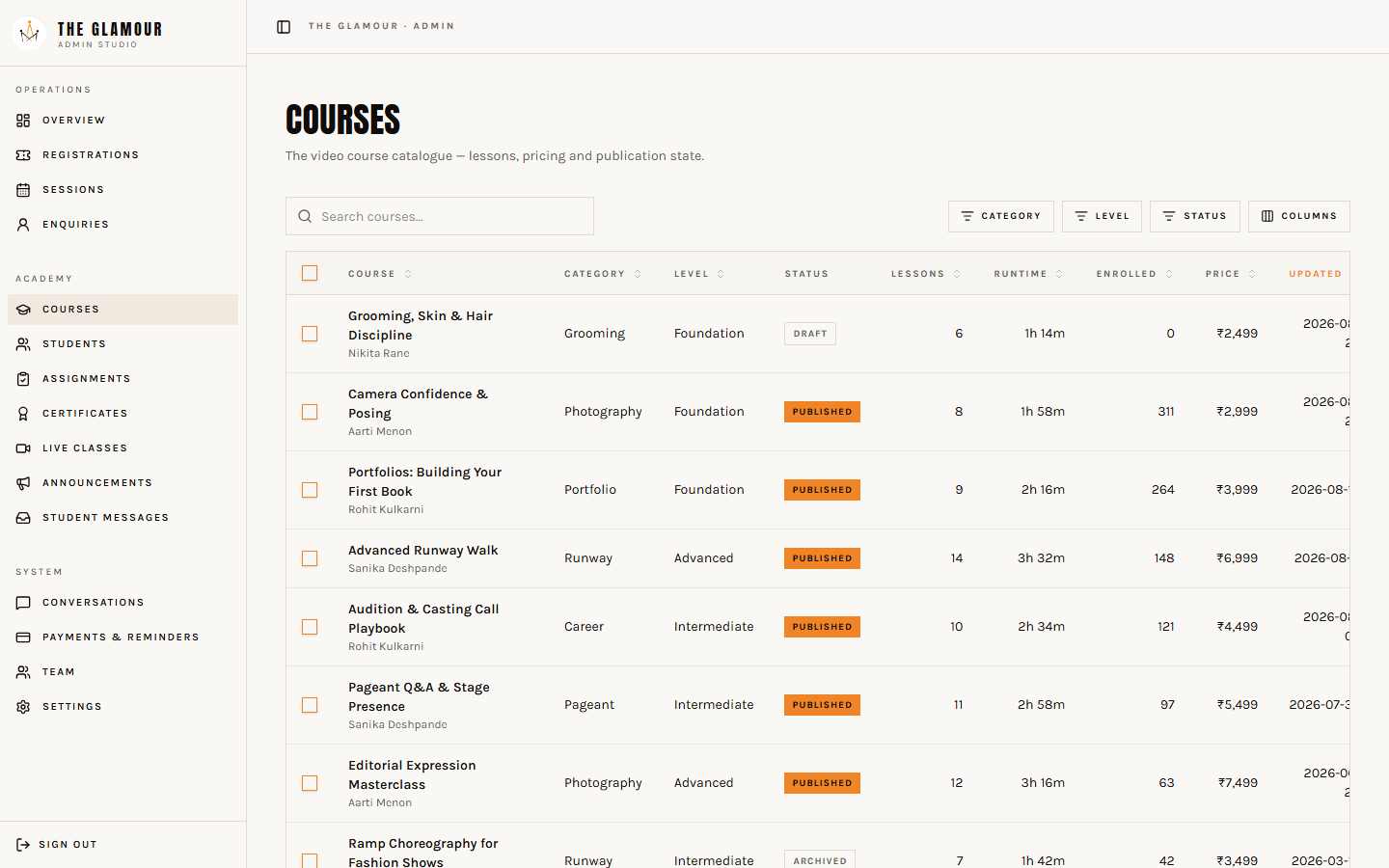
  • All long-format programmes: the 7-day pageant training, the 3–6 month modelling course and the 12-day customised course.
  • Each course has its own page with syllabus, duration, who it is for and an enquiry button.
  • Enquiries from here land in the admin panel tagged with the course name.
Screenshot of the Agency page
/agency

Agency

  • The B2B side: casting, talent coordination, portfolio shoots and fashion choreography.
  • Written for clients and brands rather than students.
Screenshot of the Gallery page
/gallery

Gallery

  • Editorial photo wall plus the Google reviews.
  • Image slots are labelled placeholders — drop real photos in and the layout stays intact.
Screenshot of the About & Contact page
/about · /contact

About & Contact

  • About tells the founder's story and the studio's philosophy.
  • Contact has the enquiry form, the Deccan Gymkhana address, map link, WhatsApp and phone.
  • Every enquiry submitted here is stored and shown in the admin panel.
Screenshot of the Hindi & Marathi versions page
/hi · /mr

Hindi & Marathi versions

  • Full Hindi (/hi) and Marathi (/mr) versions of home, workshop, courses, about and contact.
  • The globe icon in the header switches language; search engines are told which version is which.
  • Devanagari uses a separate typeface so Hindi and Marathi read as beautifully as the English.
Part 2

The admin panel, tab by tab

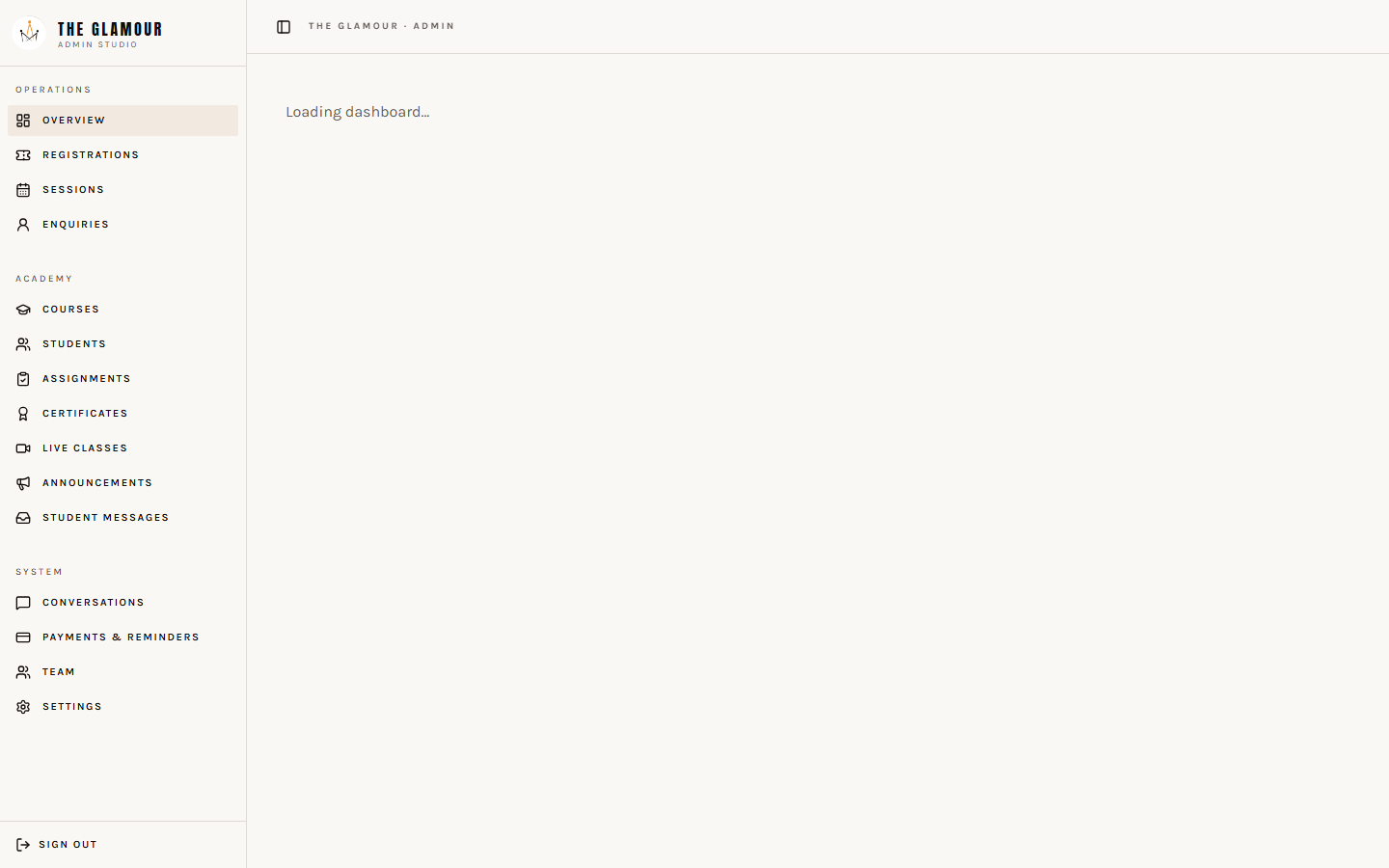
Sign in, and the panel opens at /admin. Seven tabs across the top — here is exactly what each one does.

Screenshot of the admin panel
/admin — after login

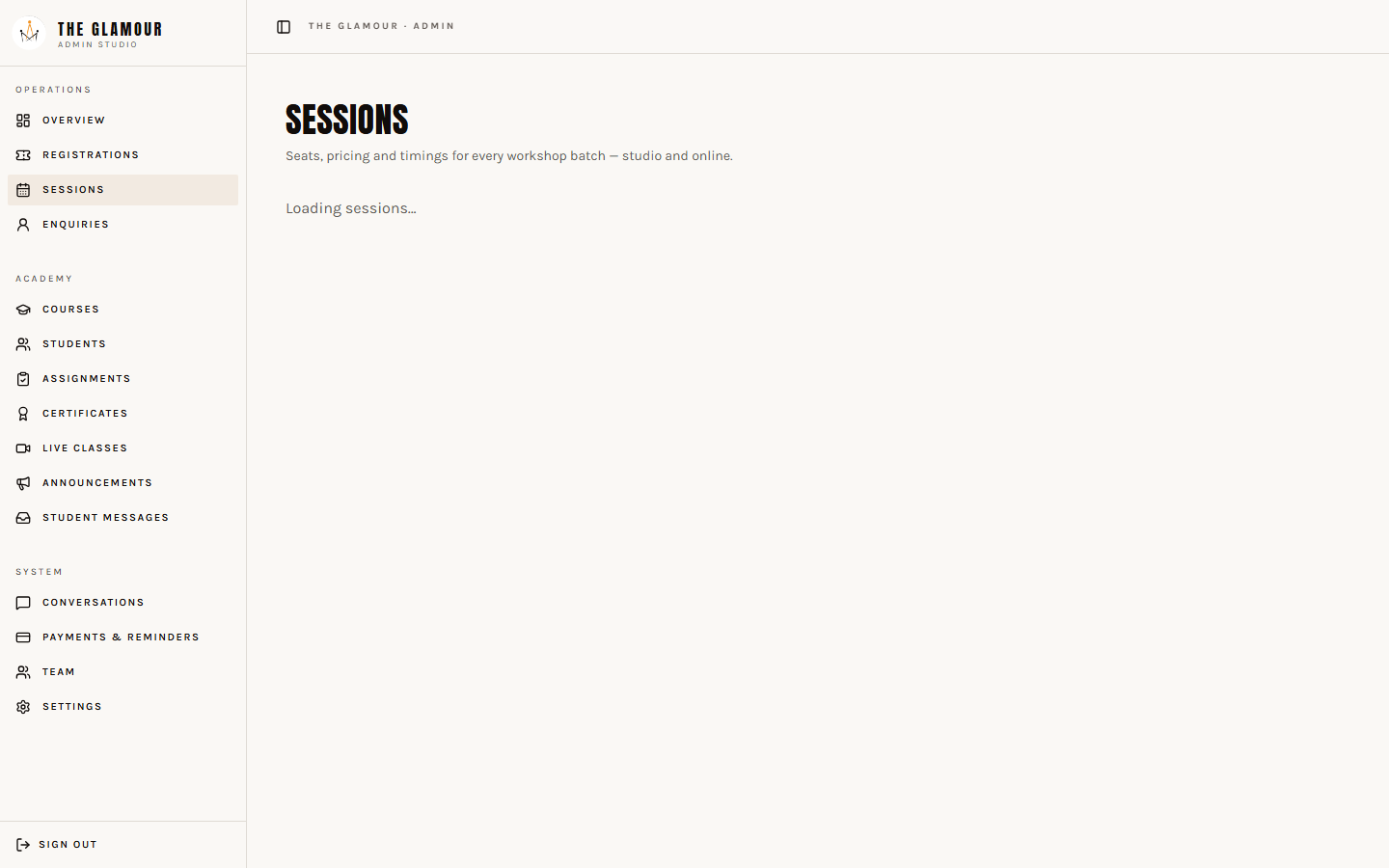
Sessions

  • See both workshop sessions (studio + online) with seats taken vs capacity.
  • Change capacity to open or close seats — the public seat meter updates within 20 seconds.
  • Manually adjust the seat count if someone books over the phone or WhatsApp.
  • Edit date, timing, venue and price without touching code.

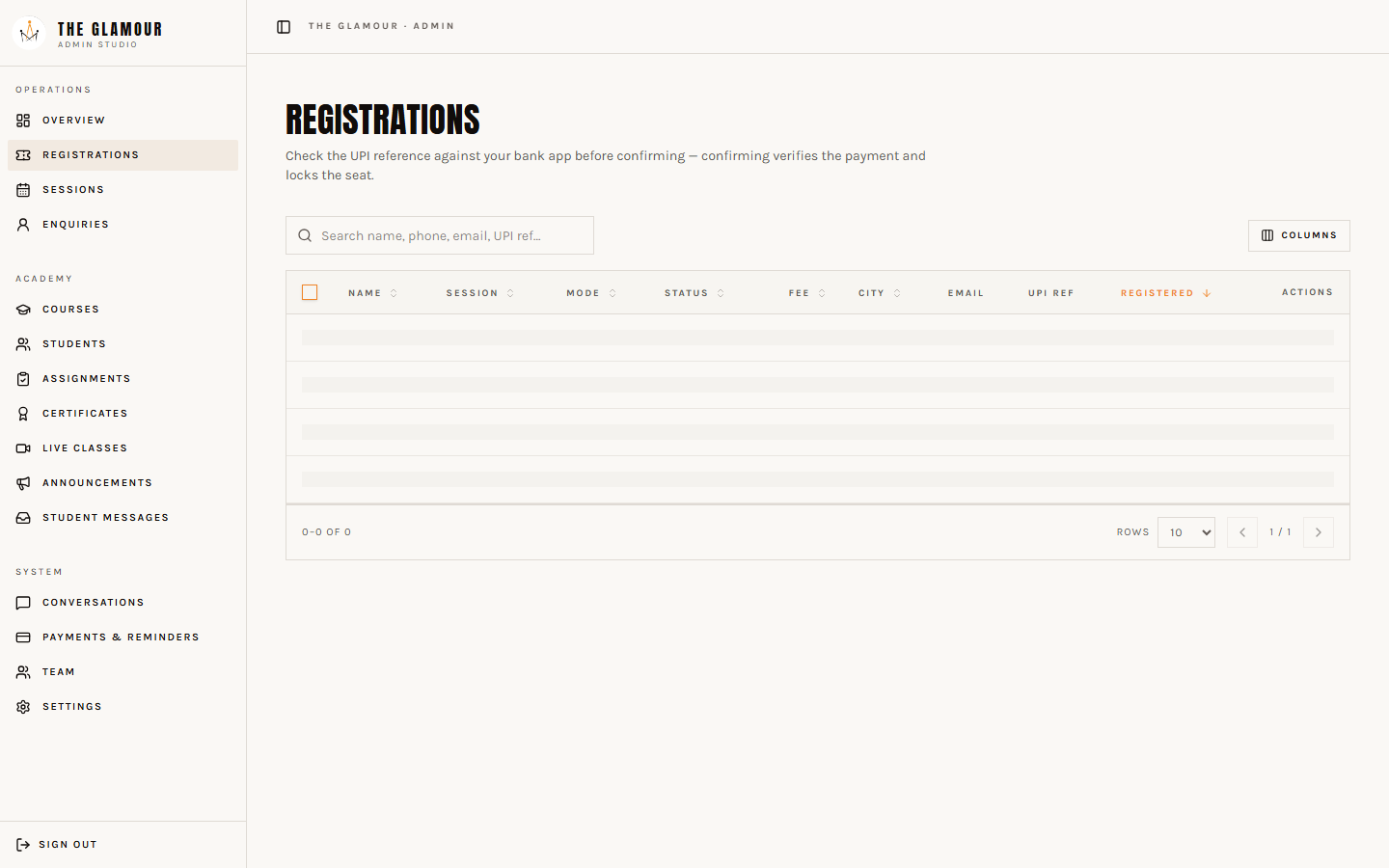
Registrations

  • Every workshop registration with name, phone, email, date of birth, mode and UTR reference.
  • Press 'Mark paid' once you confirm the UPI amount — that sends the confirmation email with the calendar invite.
  • Press 'Cancel' to release the seat back into the pool.
  • Each row shows whether the confirmation email has already gone out, so nobody is emailed twice.

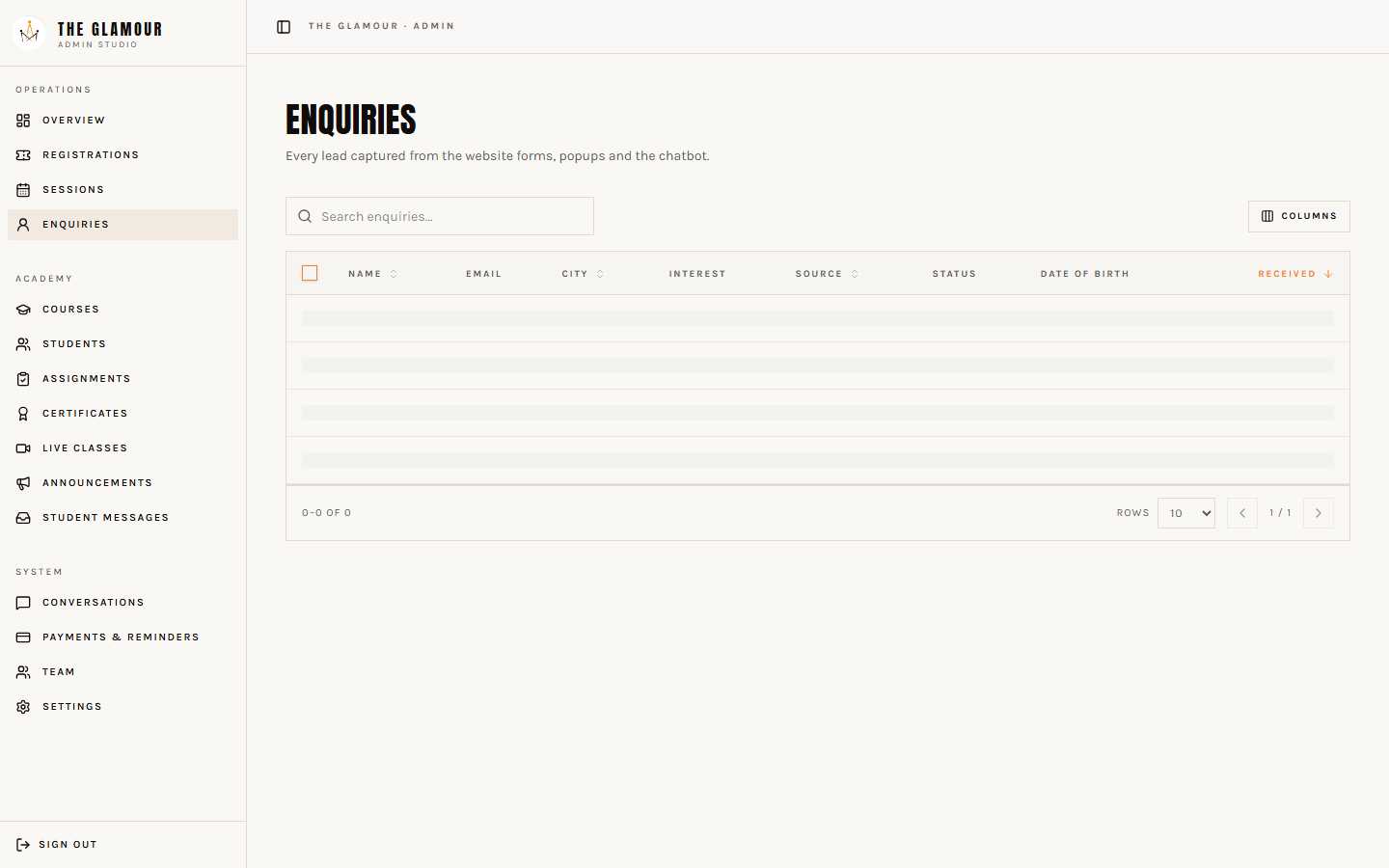
Enquiries

  • Contact-form enquiries, course enquiries and every Blueprint PDF download.
  • Shows name, email, phone (when given), date of birth, interest and which page it came from.
  • This is your daily call list — work it top to bottom.

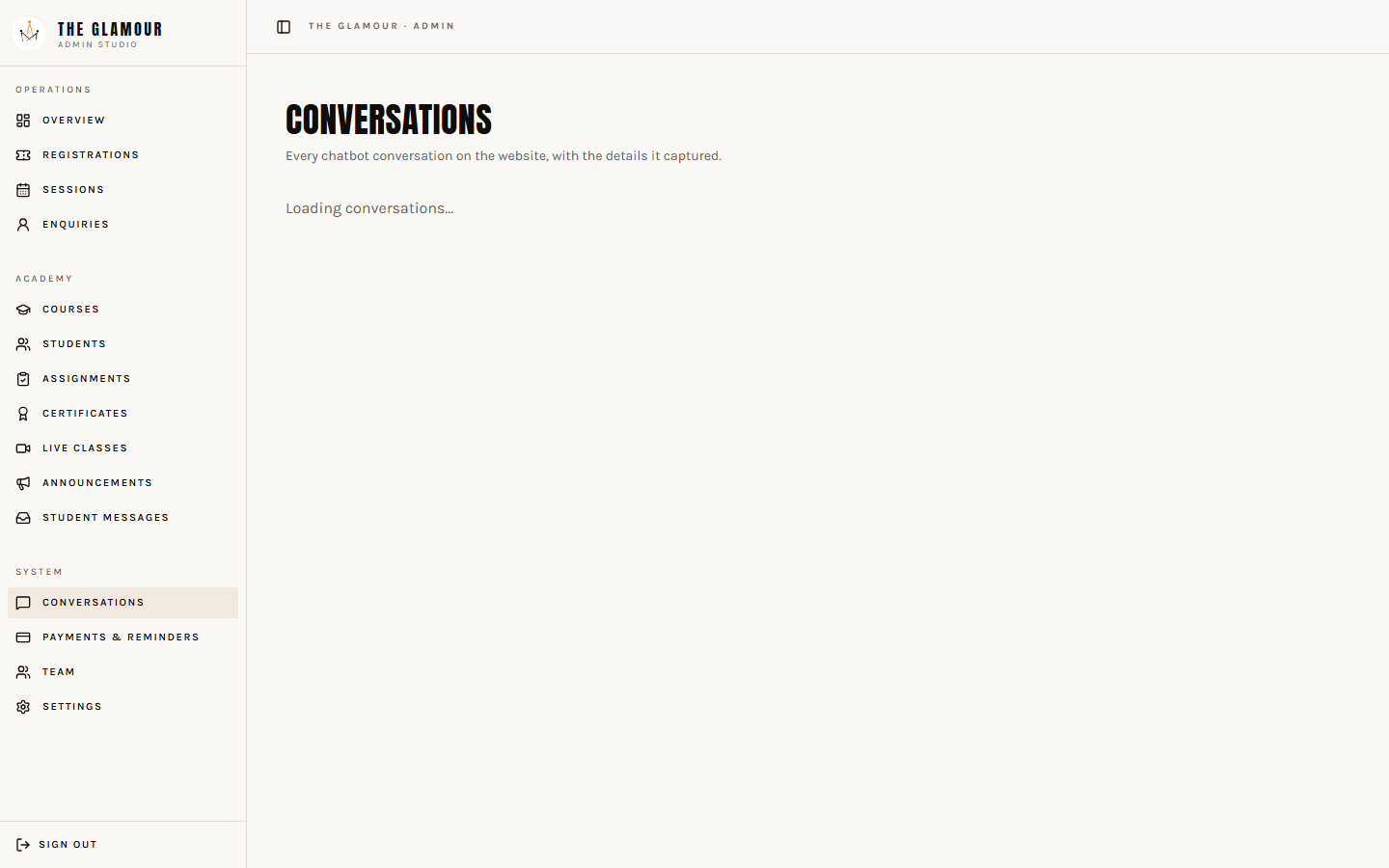
Conversations

  • Full transcript of every chatbot conversation, grouped by visitor session.
  • Language split (English / Hindi / Marathi) so you know who your audience really is.
  • Read what people actually ask — then add answers to the site so the bot can use them.

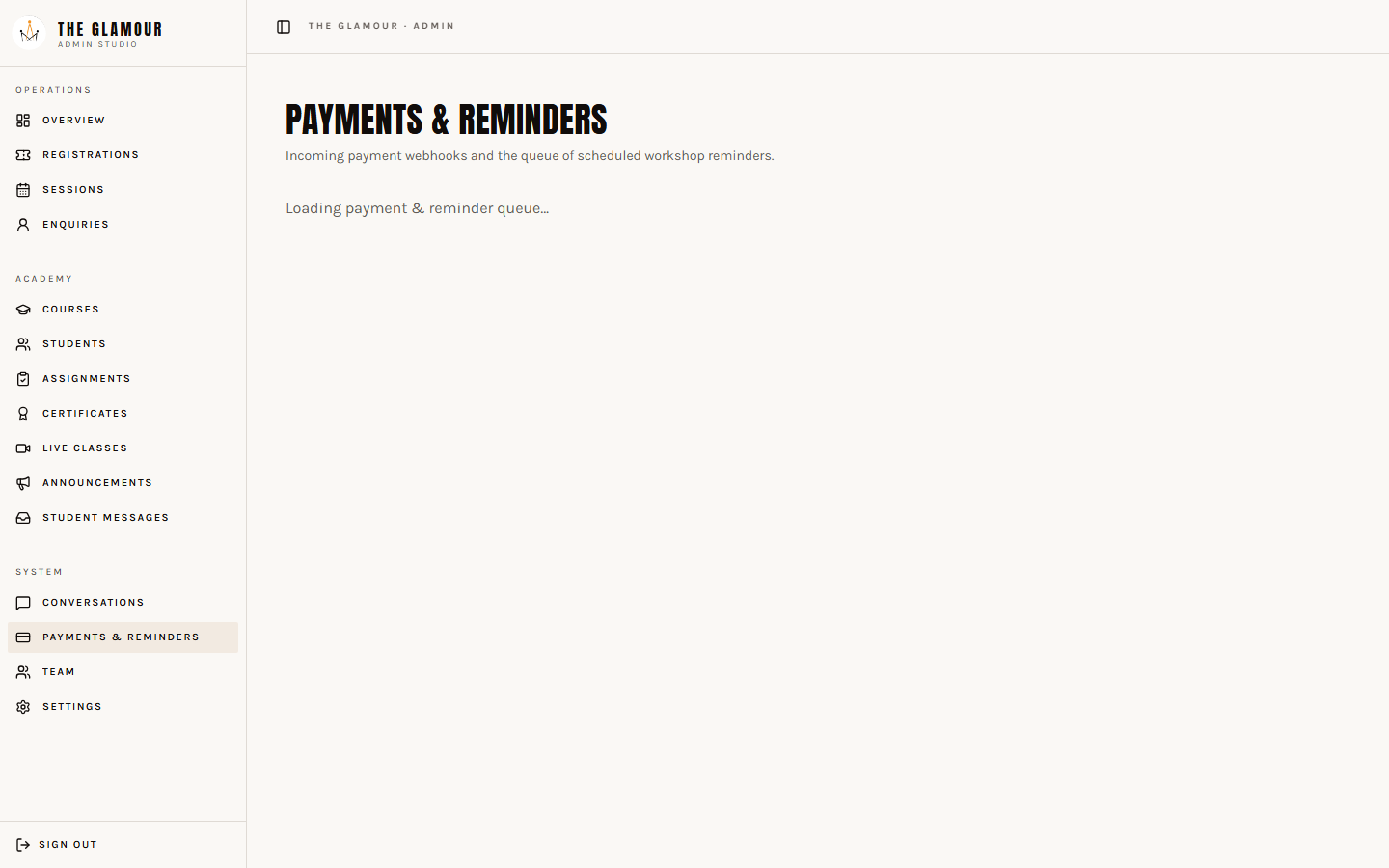
Payments & Reminders

  • Payment webhook events and whether each one was processed.
  • Scheduled reminder emails (before the workshop) and their status.
  • Re-run a stuck payment event with one button instead of calling the developer.

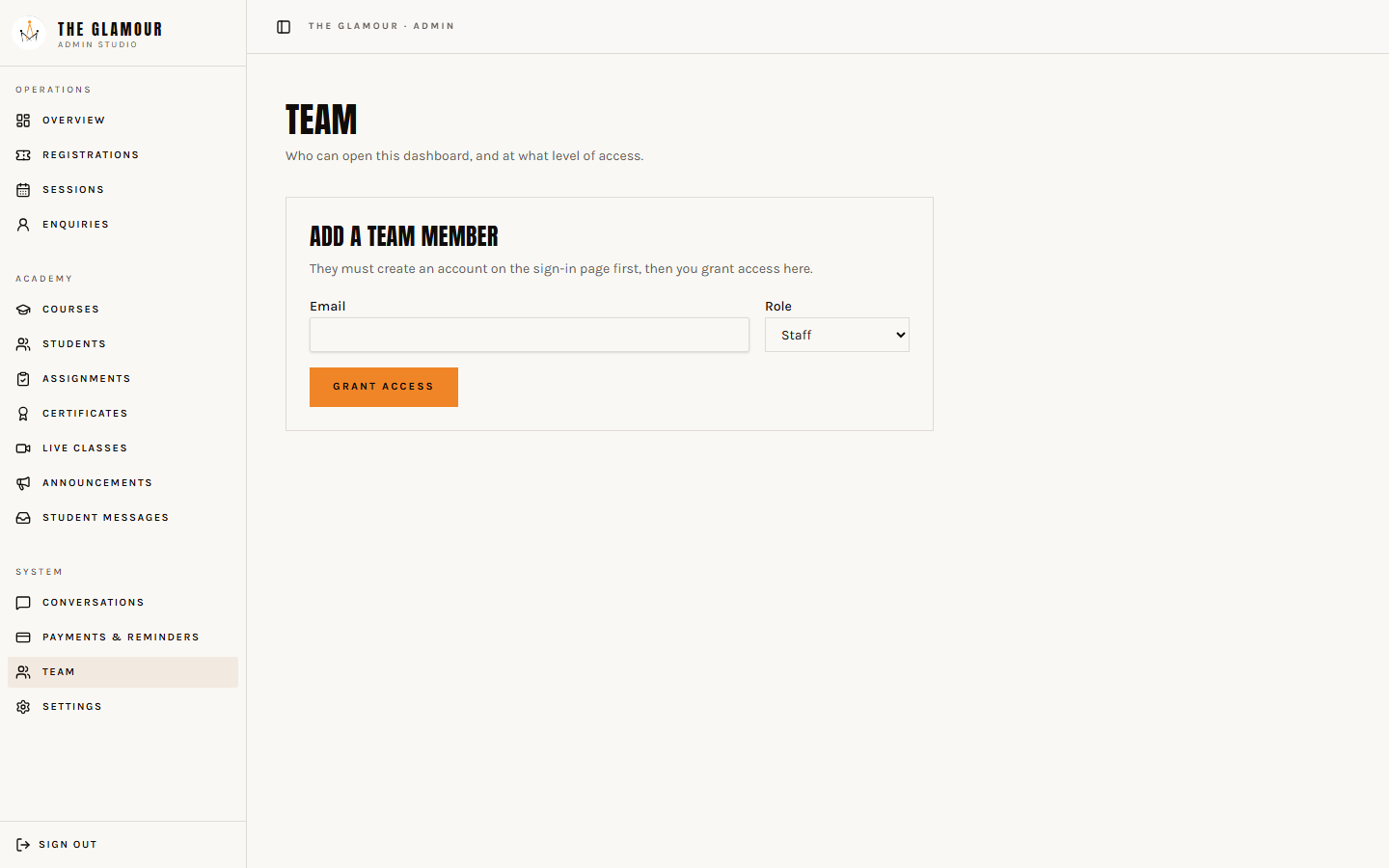
Team

  • Add another admin or staff member by email address — they sign up, you grant the role here.
  • Remove access instantly when someone leaves.
  • Always keep at least two admins so you are never locked out.

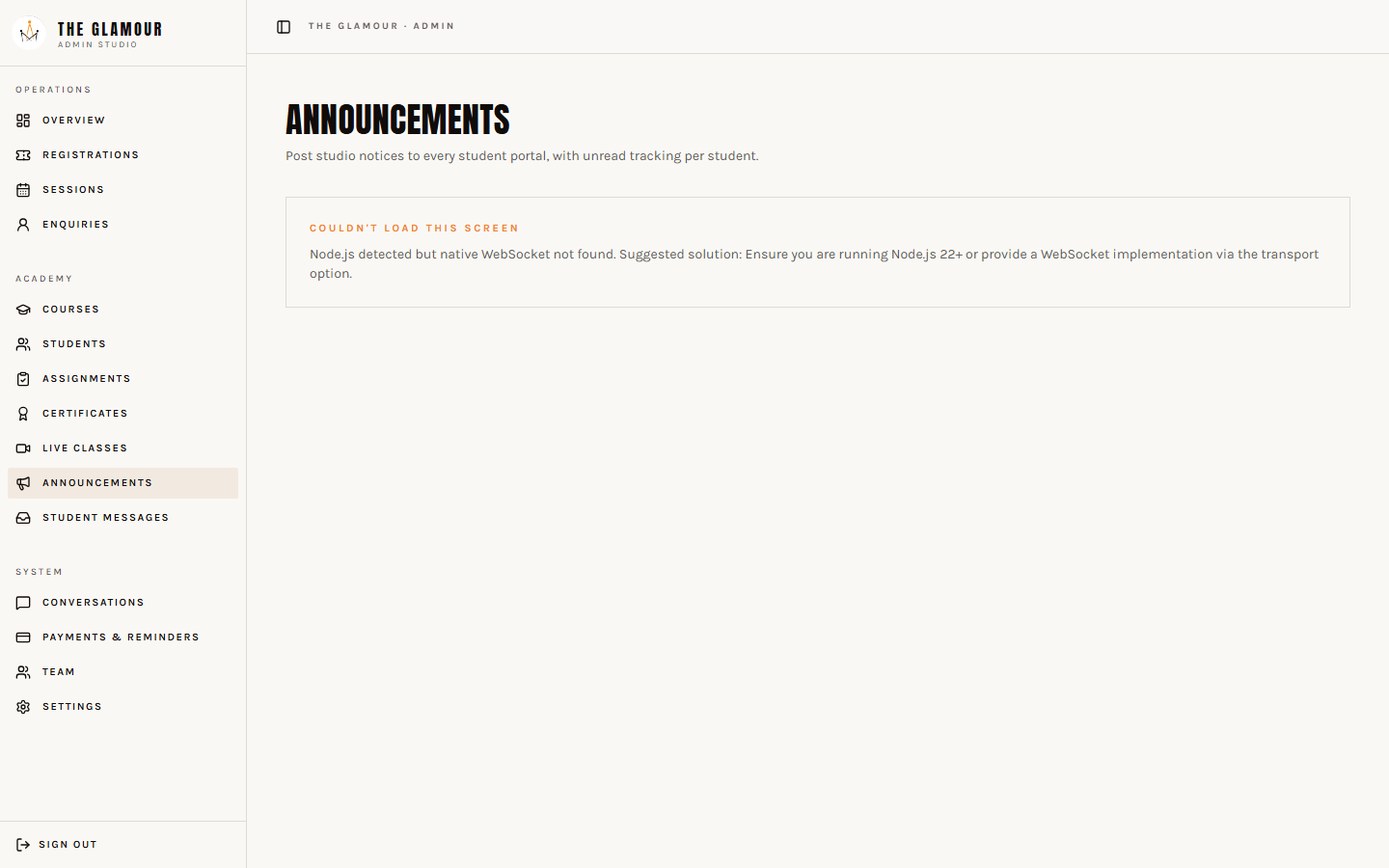
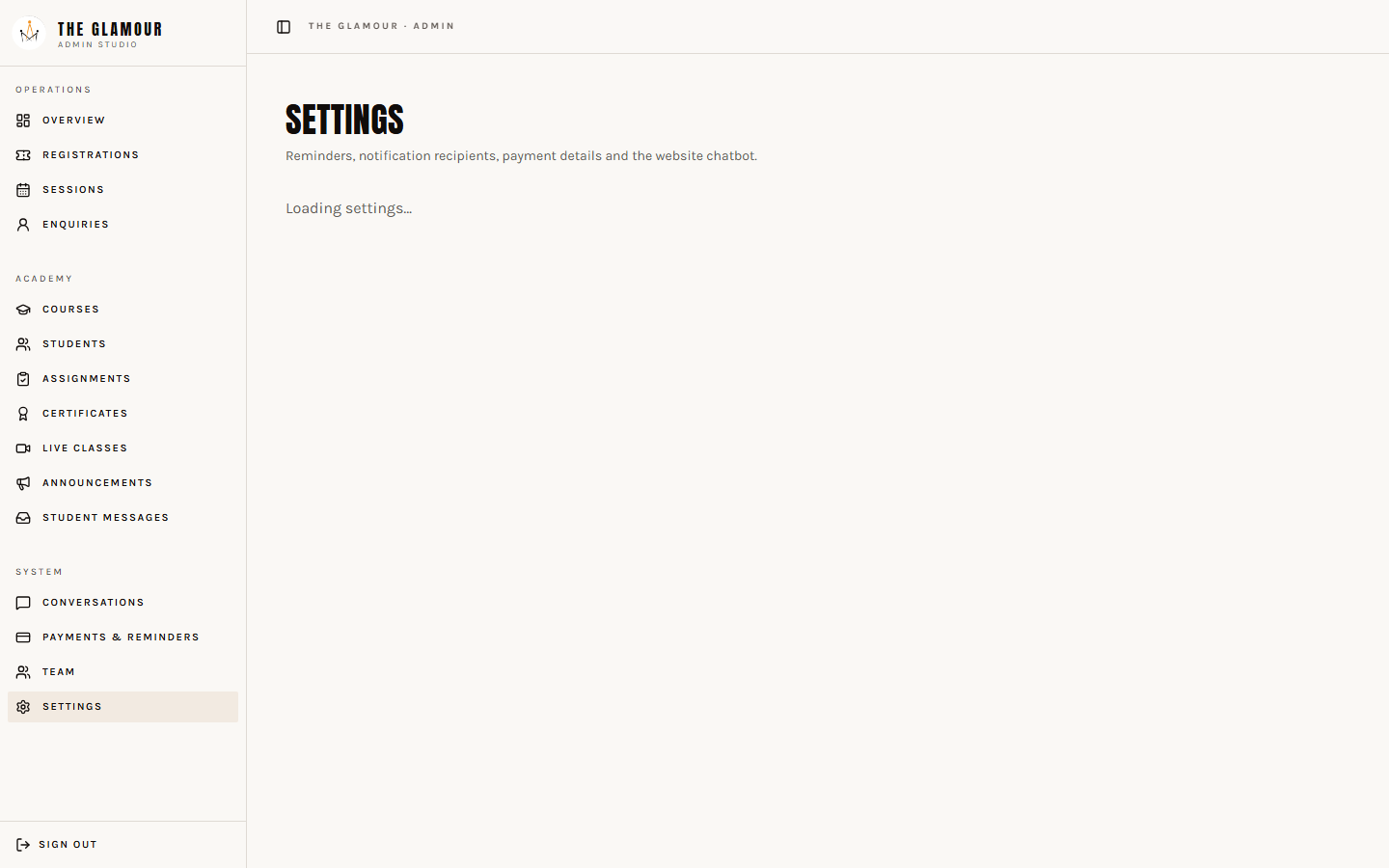
Settings

  • Turn the chatbot on/off and edit the extra instructions it follows.
  • Set which email addresses receive the 'new registration' alert.
  • Edit the UPI payment instructions shown to registrants.
  • Send yourself a test copy of any email template before a campaign.
Part 3

The machinery behind the pages

The chatbot (Glam)

  • Answers only from this website's own content — courses, workshop, fees, timings, live seats. It cannot invent a price or a promise.
  • Speaks English, Hindi and Marathi and replies in whichever the visitor picks.
  • Says hello on its own after about 35 seconds, so the visitor is invited rather than left hunting.
  • Talks differently to a parent (safety, school timing, confidence) than to an aspiring model (portfolio, castings, first work).
  • Gets the visitor's first name early, then — after a few messages — asks for email, mobile and date of birth, one at a time.
  • Ignores any attempt to manipulate it (asking for keys, prompts or off-topic answers) and politely returns to modelling.
  • Every conversation is saved and readable in the Conversations tab.

Emails

  • Registration received → sent to the participant straight away.
  • Payment confirmed → sent when you press 'Mark paid', with the calendar invite attached.
  • Reminder → sent automatically before the workshop day.
  • New registration alert → sent to you and any address you add in Settings.
  • Duplicate protection: each email can only ever be sent once per registration.

Calendar invites

  • Every confirmation includes an 'Add to calendar' link plus a downloadable .ics file.
  • Times are locked to India time, so an overseas online participant still sees the correct local hour.
  • Re-downloading updates the same calendar entry instead of creating duplicates.
  • A reminder alarm fires 24 hours before the session on the participant's own phone.

Payments

  • Registrants pay by UPI and enter the UTR reference on the form.
  • You verify the amount in your bank app and press 'Mark paid'.
  • Seats are locked at the database level, so two people can never take the last seat at the same instant.

Security

  • API keys live in an encrypted secret store — never in the code, never visible in the browser.
  • Two Gemini keys are stored: if the first fails or hits its quota, the second takes over automatically.
  • Anything key-shaped is scrubbed out of logs and chat transcripts before it is saved.
  • Chat usage is rate limited per visitor, per network and site-wide, so the keys cannot be abused.
  • The admin panel is behind a login; only accounts with the admin role can open it.

Look & feel

  • Visitors can switch light/dark and pick an accent (Orange, Rose, Gold, Electric) from the header.
  • The workshop page always stays on the dark poster look for impact.
  • Fonts, colours and spacing come from one design system, so a change applies everywhere.

Marketing pop-ups

  • Nothing pops up early — only after ~2 minutes on the site or 75% scroll, and then only when the visitor looks like they are about to leave.
  • First pop-up: the workshop launch offer with the live seat counter.
  • If they close it, the second offers the free Modelling Master Blueprint PDF in exchange for name, email and date of birth.
  • Those downloads appear in Enquiries — treat them as warm prospects, not cold contacts.

Getting found

  • Every page has its own title and description written for search.
  • Business, location and event details are published in the format Google reads.
  • A sitemap lists every page including the Hindi and Marathi versions.
  • Once you connect the custom domain, tell the developer so the site address is updated in one place.
Part 4

Your daily 10 minutes

  1. 01

    Open /admin and check Registrations for anything new.

  2. 02

    Match each UTR against your bank app, then press 'Mark paid' — the participant is emailed instantly.

  3. 03

    Work through the Enquiries tab and WhatsApp anyone from the last 24 hours.

  4. 04

    Skim the Conversations tab for questions the site does not answer yet, and tell the developer to add them.

  5. 05

    Before a session: check the seat meter, and top up capacity in Sessions if demand is high.

  6. 06

    After the session: upload the reels and portfolio stills to Instagram — that is the exposure promise on the workshop page.

Anything you want changed — copy, prices, photos, a new page — send it to the developer. Prices, seats, dates, emails and staff access you can already change yourself from the admin panel.

Call ChatRegister